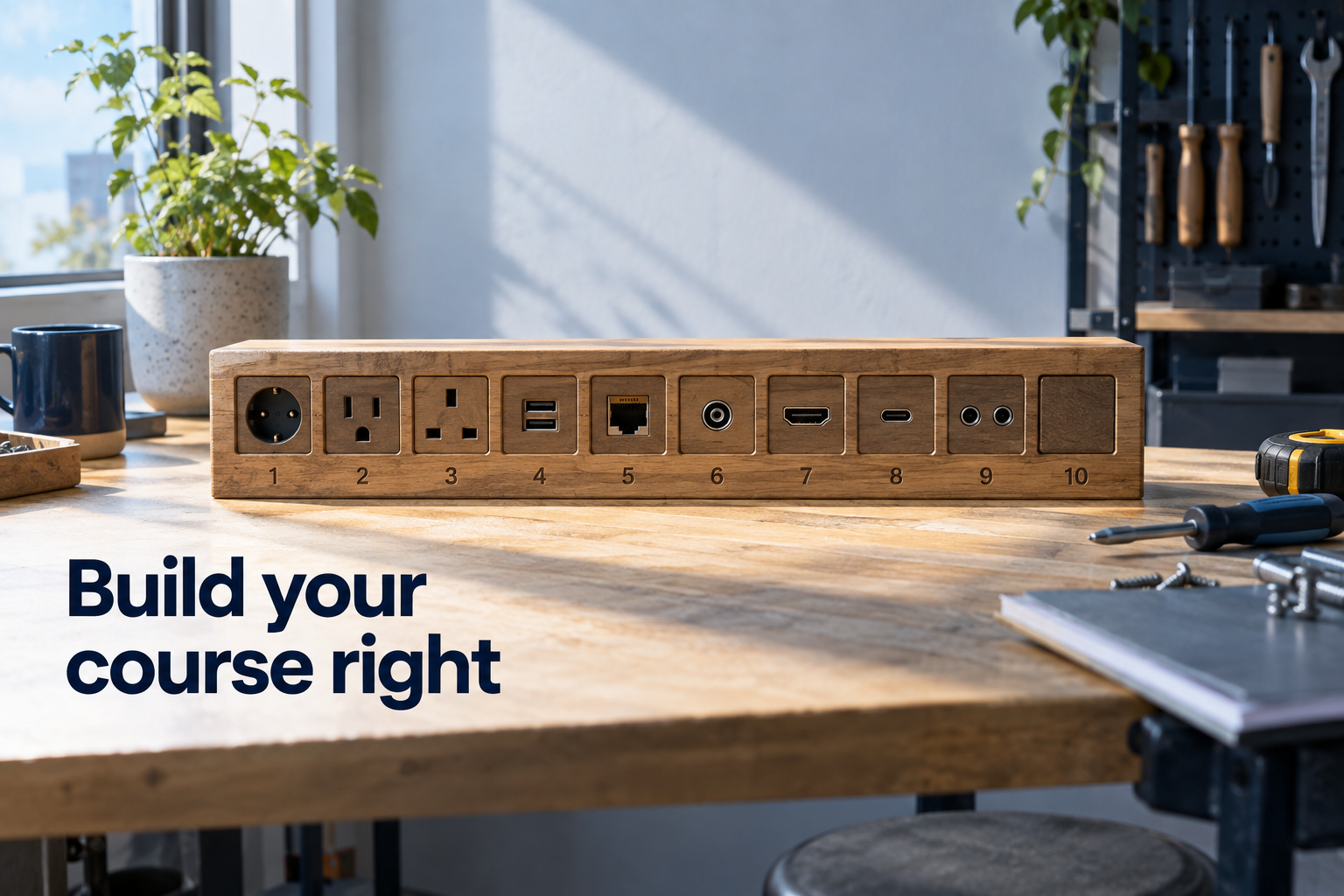
Every new course creator asks the same question: "What tools do I need?" And every listicle answers with ten brand names that will be half-outdated by next year.
Here's the more useful answer, from someone who spent two decades building learning programs before the current tools existed: you don't need ten tools. You need ten capabilities. Name the capability first, and choosing a tool for it becomes easy — and swappable, which matters, because tools change and your course business shouldn't wobble when they do.
The learning delivery capabilities
1. A home for the course. Somewhere students log in, watch lessons, track progress, and pay — a hosting platform. This is your course's operating infrastructure, so judge candidates on the student's experience, progress tracking, and payment handling, not the feature count.
2. Video recording. The ability to capture your screen, your face, or both, reliably and clearly. Simple beats cinematic: students forgive plain video and abandon confusing courses.
3. Video editing. Enough post-production to cut mistakes and tighten pacing. The goal is clean, not Hollywood — over-editing is a classic way to never launch.
4. Visual aids. Slides and graphics that clarify complex ideas. Templates are your friend; design skill is optional when the structure of the visual carries the teaching.
5. Audio quality. The most underrated capability on this list. Students tolerate mediocre video and quit over bad audio. A decent microphone and basic noise cleanup outperform any camera upgrade.
The production support capabilities
6. Scripting and transcription. Writing what you'll say — even loosely — makes recordings tighter, and automatic transcription turns finished recordings into captions, notes, and written content. One recording, several assets.
The business capabilities
7. Email. Your direct line to students and prospects: welcome sequences, progress nudges, launch announcements. Email is the connective tissue between your course and the engagement design that gets students to finish.
8. Assessment and interaction. Quizzes, worksheets, and checks that turn watching into doing. Many hosting platforms include this — one reason to name capabilities before buying tools is noticing what you already have.
9. Payments. Secure checkout, and subscription support if your model needs it. Students trust professional payment experiences; this is not the place to improvise.
10. Community. A place students talk to each other — the capability most correlated with completion, and the one most creators add last when it should come first.
Why capabilities beat tools
Three practical reasons for this reframe.
You'll buy less. Named capabilities reveal overlap — your hosting platform likely covers assessment and maybe community, your recording tool may transcribe. Tool lists sell ten subscriptions; capability lists often need five.
You'll swap painlessly. When a tool degrades or a better one appears, you're replacing one capability's provider, not renegotiating your identity.
And you'll add in the right order. Start with the capabilities your first version actually needs — home, video, audio, payments — and add the rest as real students create real needs. That's the same discipline as any automation decision: one well-placed layer at a time, in service of a design that already exists.
The design comes first, always. Tools serve the course you've planned; they can't plan it for you.
Frequently asked questions
What tools do I actually need to launch a first online course?
At minimum, four capabilities: a hosting platform (home + payments), video recording, decent audio, and email. Editing, visuals, assessment, and community can grow in as students arrive.
Do I need expensive equipment to create a course?
No. Clear audio matters most, and a modest microphone achieves it. Students choose courses for transformation, not production value.
How do I avoid tool overload as a course creator?
Name the ten capabilities, check what your hosting platform already covers, and add single tools only when a real need appears. Capabilities first, brands second.
If your course business is accumulating subscriptions faster than systems, that's the moment to step back and design the infrastructure: explore operating infrastructure.