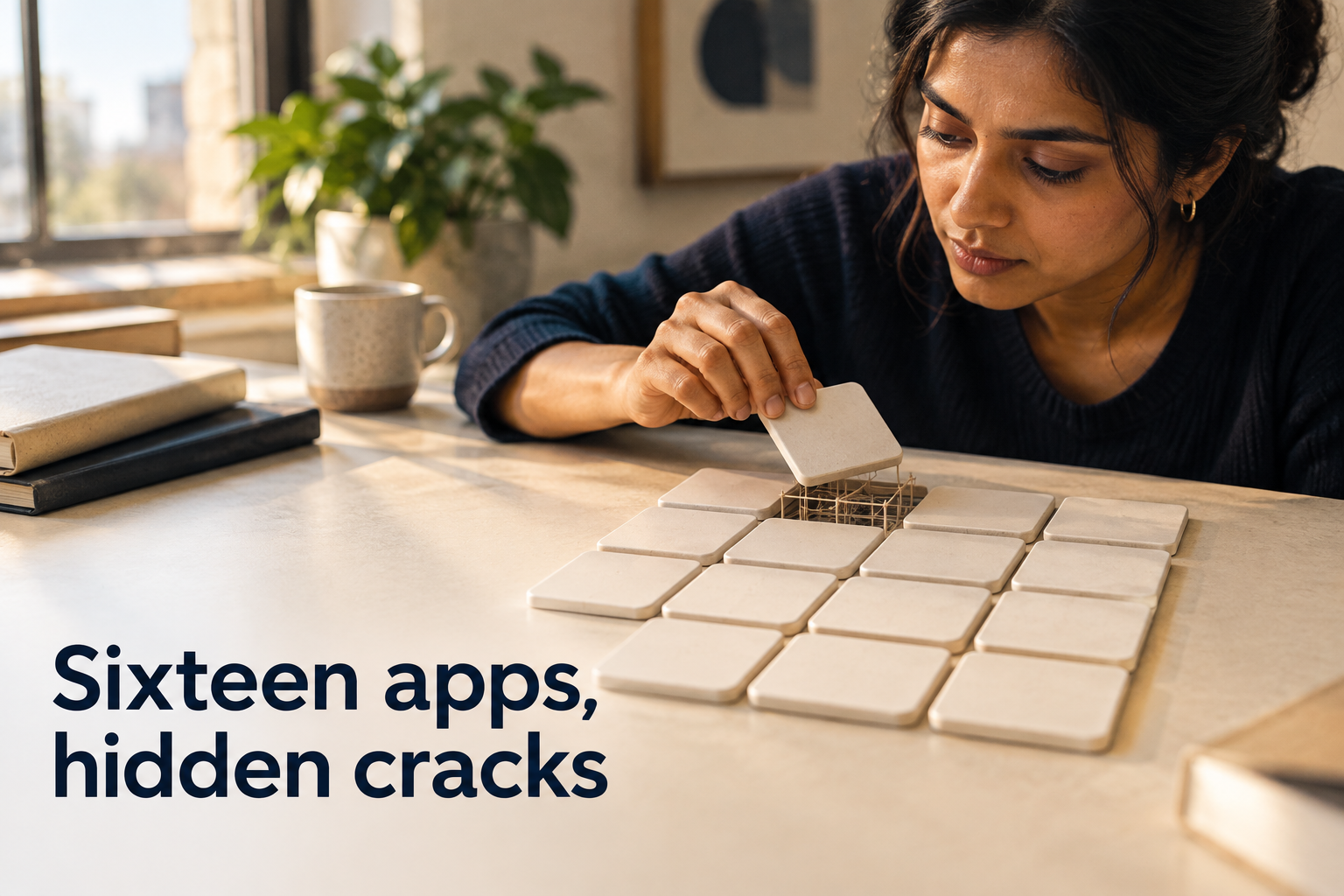
I'm not a developer. Over the last stretch I built sixteen working applications by "vibe-coding" — describing what I wanted to an AI, looking at what it built, and shipping the parts that worked. Not toys. Apps with real customers, real revenue, and real value riding on them.
For a long time that felt like the whole story: I had an idea, and now the idea existed and worked. What more was there?
Then the platform I'd built everything on hit an ownership change that came with a real risk of data deletion. Suddenly I had to ask a question I'd never once asked in all that building: if this disappeared tomorrow, what would I actually lose — and could I get it back?
So I did something I'd never done. I audited all sixteen apps, one by one, as if each were a business that had to survive its own platform vanishing. Every single one of them worked. And almost every single one was quietly carrying the same handful of hidden assumptions — the kind that don't show up when you're clicking through your own app, and show up very loudly the day something goes wrong.
I'm writing them down because I suspect anyone building with AI tools is making the exact same ones. This isn't a case against vibe-coding. It got me sixteen real apps faster than any other path would have, and I'm still doing it. It's a case for asking a few more questions early — because the thing that makes a prototype fast is the same thing that makes it fragile as a business.
Here's the single idea underneath all ten: a prototype proves something can work. A system survives what happens after it works. Vibe-coding ships the first while feeling like the second.
1. "If it's live and running, it's safe."
This was the big one, and it was completely backwards. I thought of my live, running apps as the finished, safe version of the work. In reality the running app is the most fragile copy I had. The code, the data, and the uploaded files each existed in exactly one place — the platform I'd built on — and if that place had a bad day, all three were gone at once.
The moment that drove it home: one app's "backup" was supposed to hold a full copy of the code. When I actually opened it, it was empty. The status had said everything was fine for months.
What to check: For each app, answer three separate questions and don't let one cover for the others — Where is my code backed up? Where is my data backed up? Where are my files backed up? "It's live" is not an answer to any of them.
2. "The platform I built on is where my stuff lives."
I'd quietly promoted my build-and-host tool into being my permanent storage. But a platform is a workshop, not a vault. It can get acquired, change its terms, or turn a feature off — and anything that lives only there is one business decision away from disappearing. That's not a knock on any specific tool; it's true of all of them.
What to check: Keep your own copy of everything, somewhere you control — your own code repository, your own cloud drive. Build on the platform. Don't let it hold your only copy.
3. "The tool said it's done, so it's done."
"Connected." "Backup complete." "Deployed." I'd been treating those messages as proof. They're claims. And the gap between a green checkmark and what's actually true is exactly where the nasty surprises live (see assumption #1 — the empty backup that reported success).
What to check: Verify the end state with your own eyes. Open the repository and see the files. Open the backup and see real records. Never accept a status message as evidence that something happened.
4. "If people have to log in, it's secure."
I'd conflated two different things. Logging in proves who someone is. It does nothing to control what they're allowed to touch. Several of my apps happily let a logged-in person reach records that belonged to someone else — because the code checked "are you logged in?" and never checked "is this actually yours?"
What to check: For anything that shows or changes data, ask: could one user reach another user's information just by changing a number in the web address? If you're not sure, that's the exact thing to hand back to your AI tool: "make sure a user can only ever access their own records."
5. "The database keeps my data honest."
I assumed the database was quietly enforcing sanity — no duplicates, no contradictions, no nonsense. It wasn't. A database only enforces the rules you explicitly give it, and by default it will cheerfully store duplicate accounts, contradictory records, and payments attached to nothing.
The one that stopped me cold: an app I built to handle invoicing was adding up the wrong list of payments. The result was invoices telling customers they still owed money they had already paid. It had been doing that quietly, in production, looking perfectly fine.
What to check: Ask your tool to add guardrails the database itself enforces (no duplicate accounts; no payment without a matching invoice). Then — especially for anything involving money — spot-check a handful of real records by hand against what the app displays. Don't assume the totals are right because they look right.
6. "What the screen promises is what the app does."
The interface can confidently promise things the code never actually finished. One of my apps collected phone numbers behind a "we'll text you" opt-in — but never stored the consent and had no way to send a message. Another took payment and had no automatic way to deliver the thing that was bought. From the outside, both looked complete.
What to check: Walk your own funnel like a customer, all the way to the end. Not "does the button work?" but "did the thing it promised actually happen?"
7. "The version in my code is the version that's running."
I assumed my saved code and my live app were the same thing. Over time they'd drifted. I found apps where the live database was shaped differently than the code claimed — which means if I'd tried to rebuild from my saved files, I would not have reproduced what was actually running.
What to check: Don't assume your backup and your live app still match. When you back up, back up the live state, and treat that as the source of truth about what's really deployed.
8. "The files are part of the app."
I thought backing up the app covered everything in it. But the images, PDFs, audio, and video an app displays usually don't live inside the app or its database at all — they sit in separate storage, or on outside services entirely. My most irreplaceable files were tribute videos that lived on external video platforms. No backup of the app or its database would ever have saved them.
What to check: List every file your app shows — photos, downloads, media — and confirm you hold the originals somewhere you control. Anything hosted on an outside service you don't own, download the master copy now, not later.
9. "It works when I use it, so it's tested."
I test the path I always take. The failures were all hiding on the paths I never took. One app had automated tests that were quietly writing into the real live database — and had actually deleted real data at some point. Others had only ever been used by a single person, so nothing about them was proven the moment more than one person showed up.
What to check: Deliberately try the wrong path — bad input, an empty state, someone else's account, the hundredth record instead of the first. And never let automated tests run against your live data.
10. "I'll generalize it / clean it up later."
Hard-coding the first case felt efficient. It quietly made the second case a full rebuild — and worse, some of those shortcuts couldn't be undone at all. I hard-coded one event's details, including a specific web address, and then printed that address onto physical QR-code flyers that went out into the world. You cannot un-print a flyer. (The same lesson showed up with a leaked password — rotating it doesn't erase it from history — and with data locked behind a single secret key that, if lost, loses the data forever.)
What to check: Before you hard-code something or cut a corner, ask one question: what does undoing this cost? If the honest answer is "a reprint," "a security breach," or "the data is gone forever," it's worth doing properly the first time.
The 10-minute gut check
If you do nothing else, run this on your own builds. (Want it as a printable one-pager with all ten assumptions on the back? Grab The 10-Minute Gut Check.)
- Do I have my own copy of the code, the data, and the files — not just the live app?
- Have I opened my backups and seen real content, instead of trusting a checkmark?
- Have I walked my funnel as a customer and confirmed each promise actually happens?
- Have I checked that logging in doesn't let people reach each other's data?
- Do I know where my files and media actually live, and do I hold the originals?
- Have I avoided hard-coding or shortcutting anything I couldn't undo cheaply?
The takeaway
None of this means vibe-coding was a mistake. It let me turn sixteen ideas into sixteen working things, fast, without a development team. That's not a small thing and I wouldn't trade it.
But there's a difference between making something work and making something that survives. The very habit that makes vibe-coding so fast — skipping the "what happens when…?" questions so you can see the thing come alive — is the same habit that leaves it fragile the day real money, real customers, or a platform's bad week arrives. It's the same shift I ask of every owner in a different context: your business is already a system — the work is making it visible before it breaks.
The fix isn't to code less by feel. It's to ask those questions a little earlier. The expensive questions are free before you build. You keep almost all of the speed, and you shed most of the risk.
If you're building something right now and want to ask those questions with structure around you — before the flyers are printed — that's exactly what the Builder Sprint (opens in a new tab) is for: four weeks of understanding what you're building before and while you build it.
Written from the field, after auditing sixteen of my own apps. Shared freely — adapt it, forward it, build better.