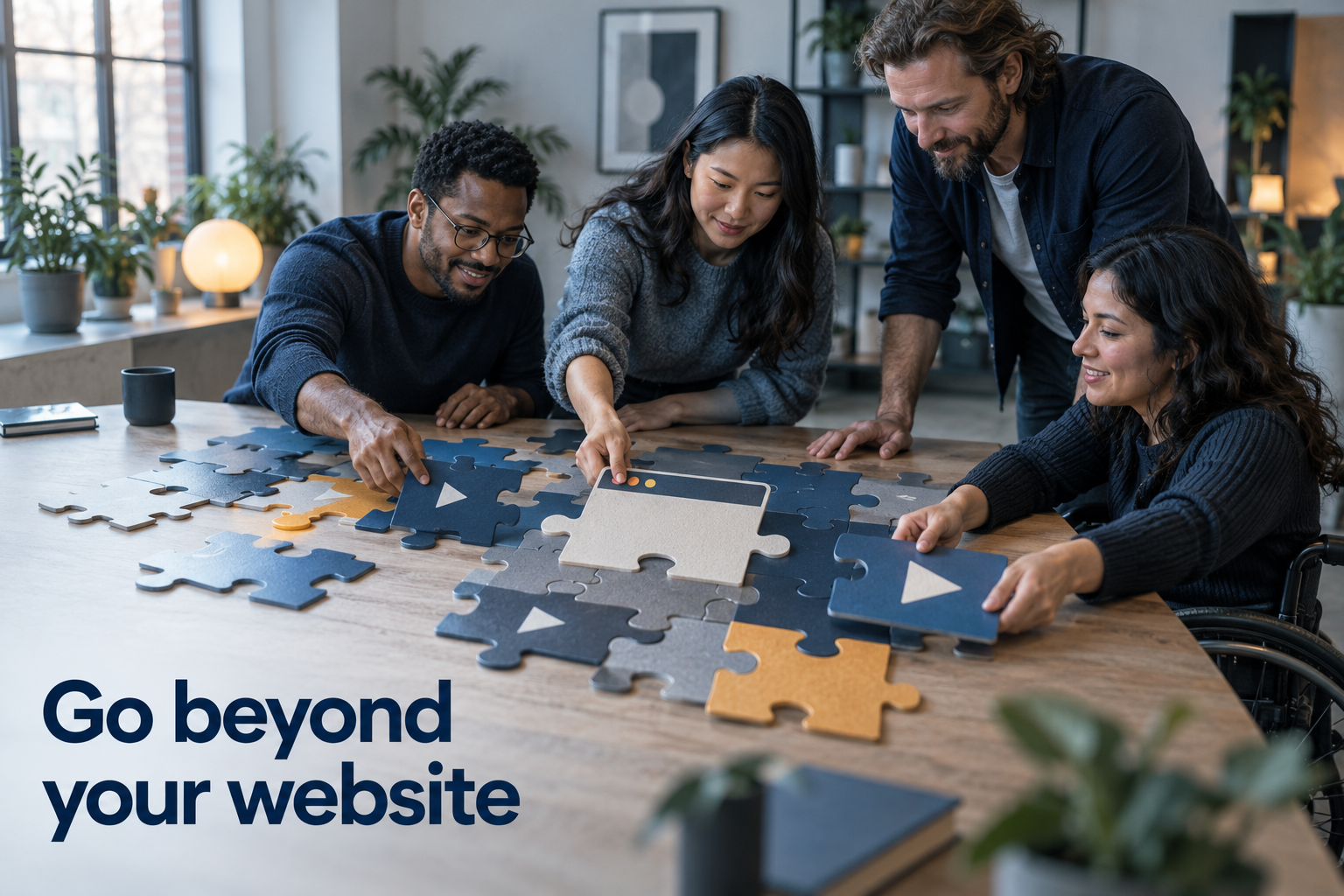
Picture this: you're ready to share your business with the world, but the website is still in the works. Do you wait?
You don't. Your digital presence is a puzzle, and the website is one piece of it — an important piece, but not a prerequisite for the rest. Social media is another piece (one you rent rather than own, which matters). And in between sits a set of capabilities, mostly built on video, that let you show up with a human face long before the website is finished — and keep working alongside it forever after.
I know because I ran a virtual events business this way. Here's what each capability did for me, and what it can do for you.
Personal video: the proposal that talks
The first capability that changed my client relationships was personalized video messaging — recording my screen or my face and sending it directly to a specific person.
Instead of attaching a proposal PDF and hoping, I walked each client through it: the pricing, the options, how my services would fit their event. The video carried what no document can — tone, attention, the sense of being spoken to rather than processed. And modern video tools attach the next step right to the message: book a call, fill out the form, download the file, no website required.
The deeper point: video with your face in it is presence. It deepens relationships even when meeting in person isn't possible, and it does it one person at a time, at scale.
Guided walkthroughs: training that runs without you
When I produced virtual conferences, I had to orient contractors, speakers, sponsors, and attendees scattered across the globe — and I couldn't personally walk every one of them through the platform.
Step-by-step video walkthroughs did it for me: a recorded tour broken into chunks, with a table of contents and downloadable resources attached to specific steps so every learning style was covered. One virtual venue walkthrough onboarded over 4,000 attendees before any of them ever logged into the event platform.
That's the capability to look for: not just recording a video, but structuring it so people can navigate to exactly the step they need. It turns your explanation into infrastructure — an asset that trains people while you sleep.
Translation: meeting your audience in their language
Who says everyone in your audience speaks English? My own analytics surprised me — a growing share of my soap-making viewers were watching from Spanish- and French-speaking countries.
Video translation capabilities take a recording and make it available in the languages your audience actually speaks. If your analytics show international viewers, this is a door already ajar: the audience found you across a language barrier. Removing the barrier is the smallest step with the largest welcome.
The link hub: one door to everything
The last piece is the humble link-in-bio page: a single, well-organized page that gathers your latest article, your videos, your newsletter, your booking link — everything — so your audience never has to hunt across platforms.
I've used these for years, including resource pages built for specific networking events: one easy-to-remember link, holding text, video, and sign-up options for exactly that audience. It's the simplest infrastructure on this list, and it quietly maximizes every introduction: whoever meets you, wherever they meet you, one door leads to all of you.
The puzzle, assembled
None of this replaces your digital homebase — the website you own remains the center of gravity, the piece no platform can take away. But presence is bigger than the site: personal video for relationships, walkthroughs for orientation, translation for reach, a link hub for navigation. Each is a chapter in your digital story, and each keeps the personal touch in interactions that would otherwise be a form and a PDF.
Start with the piece that solves this month's problem — for most businesses that's personal video, because relationships are always this month's problem — and add the rest as the puzzle fills in.
Frequently asked questions
Can I build a digital presence before my website is done?
Yes — personalized video messages, guided walkthrough videos, and a link-in-bio hub all work without a finished website, and each can carry a call to action (book, download, sign up) on its own.
What is personalized video messaging good for in a small business?
Proposals, follow-ups, and client onboarding — anywhere a document would go, a short video of you walking through it builds more trust and gets more response, with the next step attached right to the video.
Do link-in-bio pages actually matter?
More than their simplicity suggests: one organized page holding everything you offer means every introduction — social profile, networking event, podcast mention — leads somewhere complete instead of somewhere partial.
If your presence is scattered across pieces that don't connect — site here, videos there, links everywhere — assembling them into one system is the work: explore operating infrastructure.